For YouTube Creators
From first thought to final take.
PrepVid finds the videos worth learning from, writes your script in your own voice, and runs the teleprompter while you record.
01Study
See how the video was built, before you write a word.
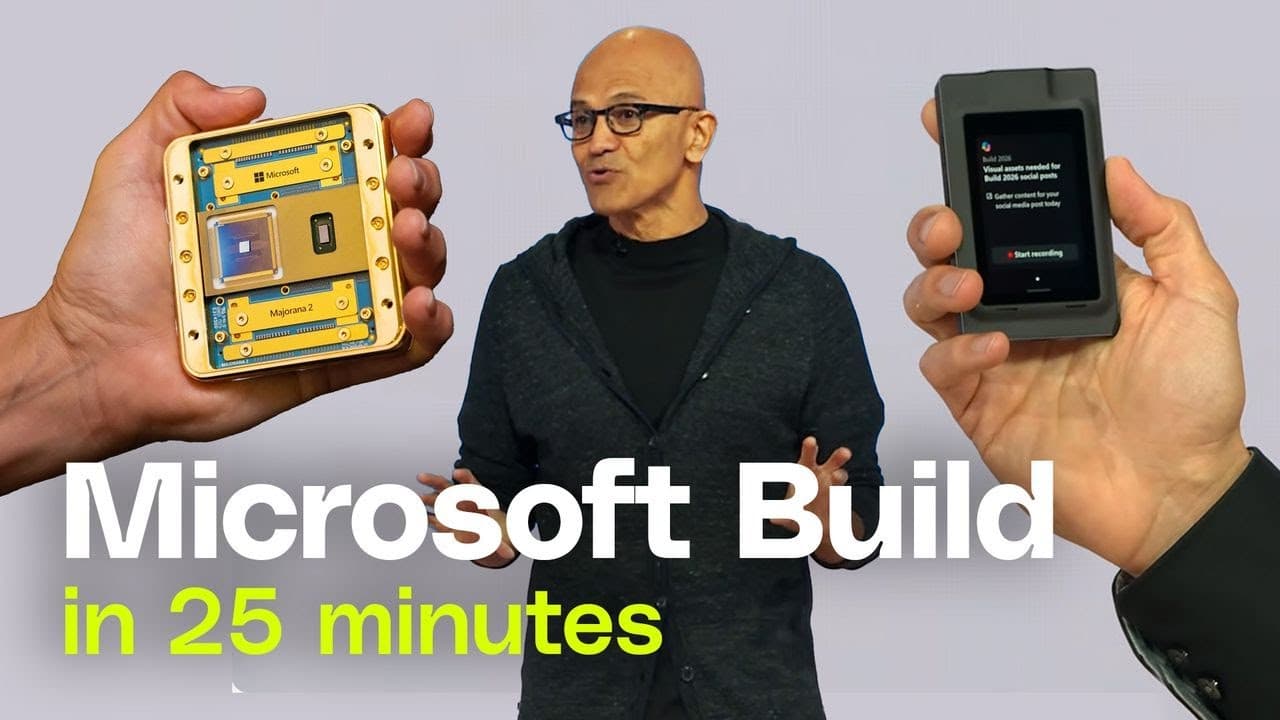
Bring in the videos worth studying — outliers, transcripts, and performance data arrive as cards you can open, keep, or throw away.


02Voice
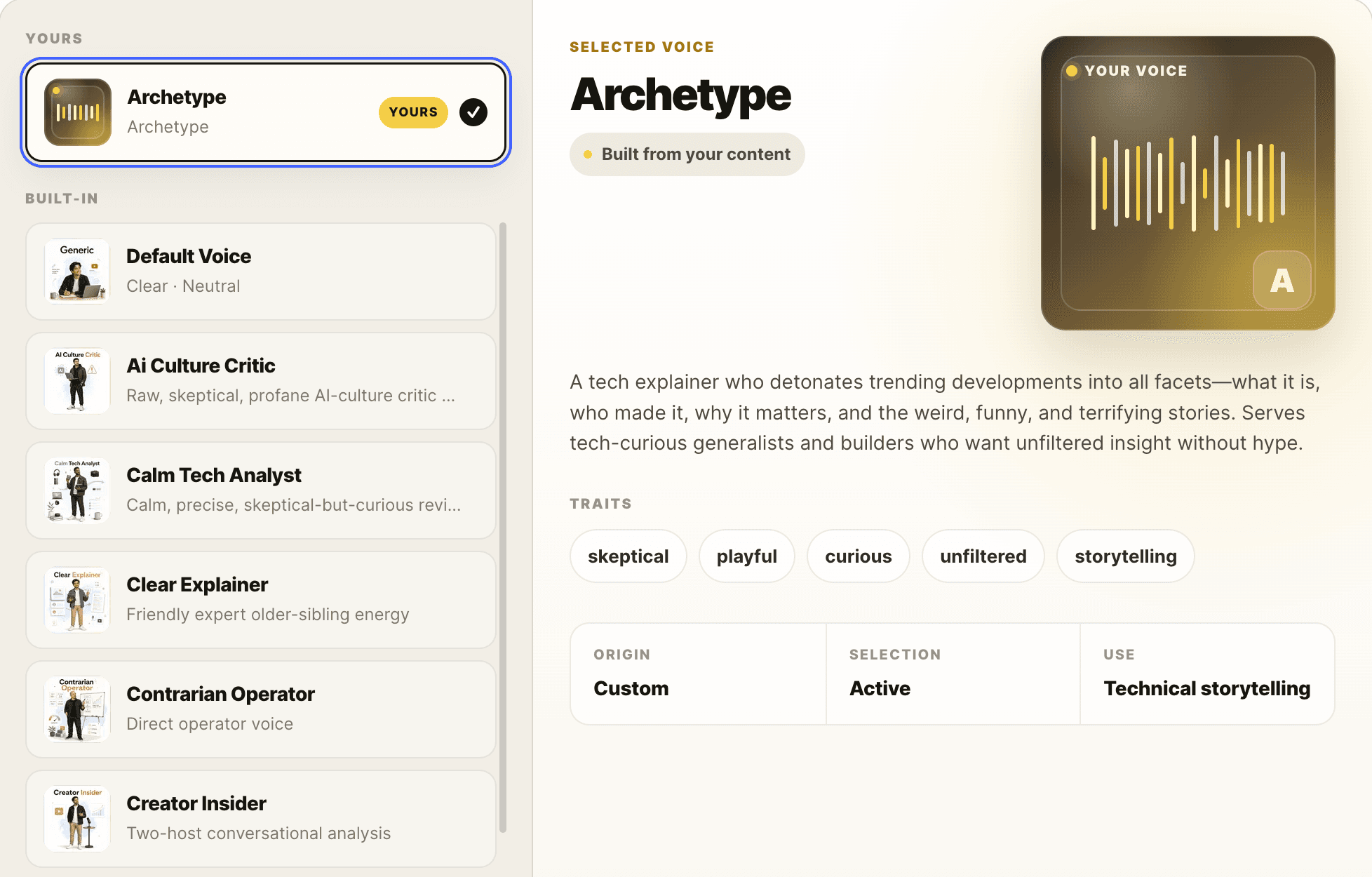
Every draft starts from the way you actually sound.
PrepVid builds a voice profile out of your own content — tone, traits, the subjects you take on — and anchors every script to it. Swap to a built-in voice when a video needs a different register.
03Write
Ask for the draft, then change it by talking.
The script arrives in the editor already in your voice. Every edit after that happens in conversation — select a passage, say what you want, and see exactly what changed before it lands. Nothing is applied until you accept it.
04Perform
Hit record without copying your script anywhere.
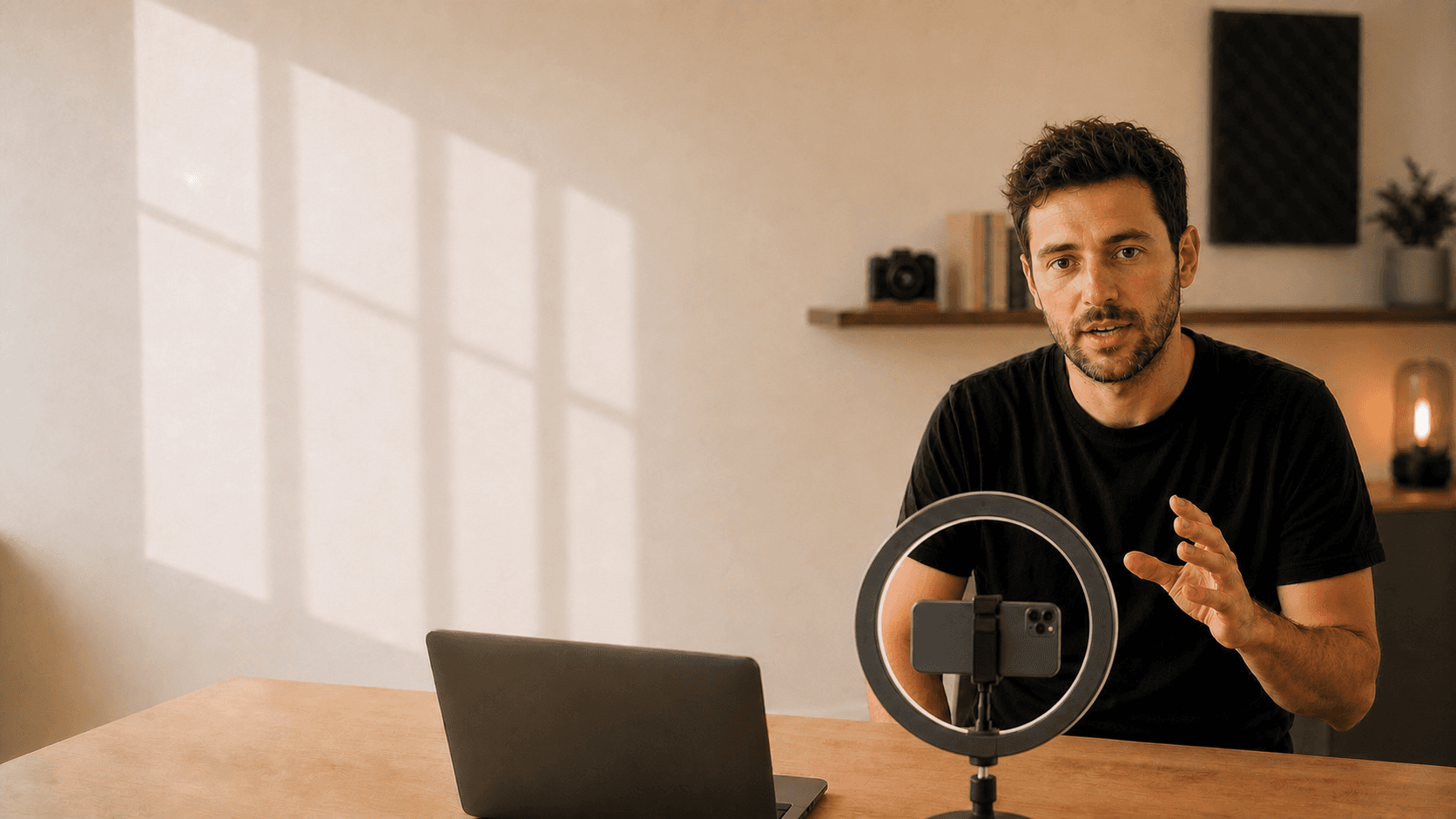
The script is already open and the teleprompter runs right in your browser. Nothing to paste, nothing to line up.
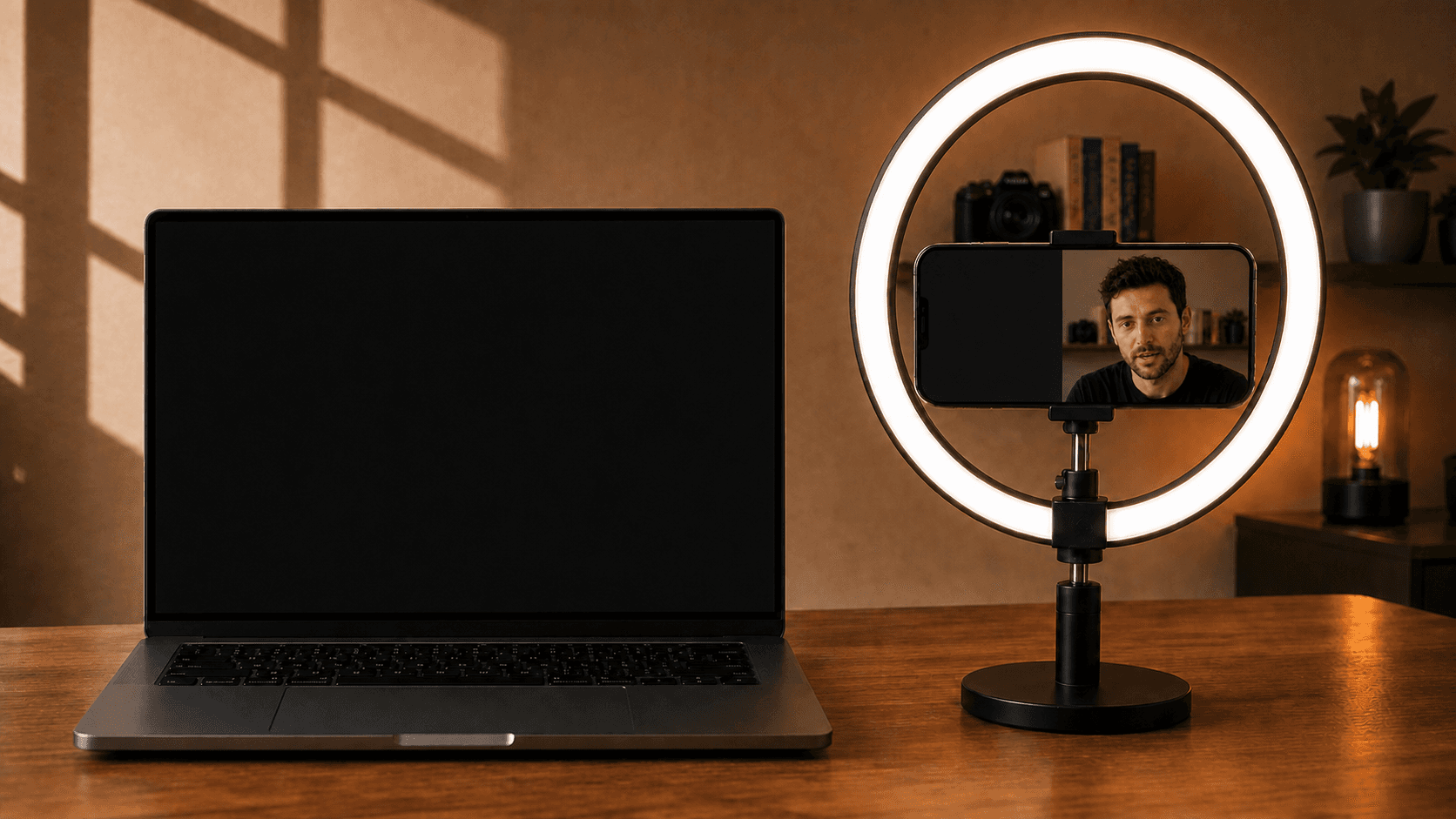
Send the script beside your phone camera
The coffee photo problem
Last month, my buddy texted me a screenshot.
His girlfriend's new account: 11 likes on a photo of her dog,
14 on a sunset, one comment — from her mom.
Two months of posting, and she was done.
“Instagram is dead,” she said.
“The algorithm hates me.”
“Everyone’s on TikTok anyway.”
Except the algorithm wasn't the problem.
She was playing the app like it was 2012 —
and the fix is so simple it's almost embarrassing.
Stick with me and I'll show you exactly what she should have done.
Phone as webcam LIVE×
RELAYED
↻ Rear1080p4K
ZOOM1.0×
› Teleprompter ON PHONE
› Connection
Start Recording
Saves to your computer when you stopMost creators don’t have a creativity problem.
You don’t need more discipline.
You need less friction.
Every handoff makes the original idea a little harder to hold onto.
Keep the script beside the lens and stay connected to the viewer.
Simple Pricing
One connected workflow.
Start free.
Begin with 100 credits. Pick Lite or Pro when PrepVid becomes part of your publishing rhythm.